
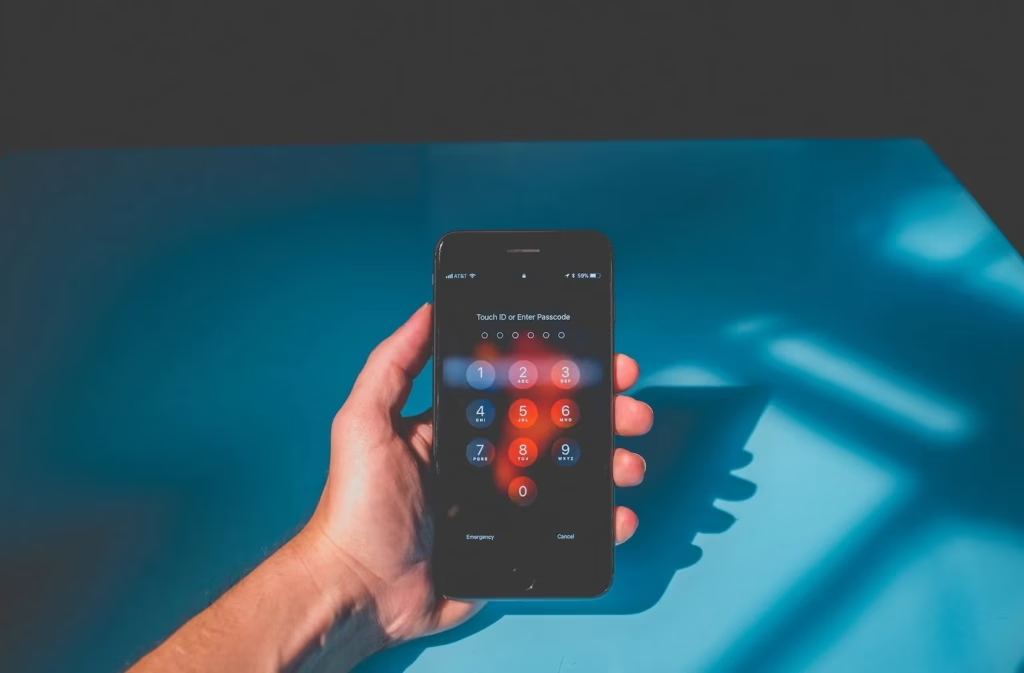

The iPhone is often considered the gold standard for mobile security, thanks to Apple’s walled garden approach and robust encryption. However, believing your device is untouchable is the biggest vulnerability you can possess. While iOS offers phenomenal protection against many threats, hackers are constantly evolving their methods, focusing on social engineering and account takeover.
If you own an iPhone—whether it’s the latest Pro model or an older SE—you hold a massive amount of personal data. Protecting that data is paramount. This guide provides actionable steps and crucial best practices to harden your device and safeguard your digital privacy.
The Foundation: Hardening Your Device Security Settings
The first line of defense against cyber threats is always the physical security of your phone and the settings within the operating system.
Essential Authentication and Access Control
- Implement a Strong Alphanumeric Passcode: While Face ID is excellent, your fallback passcode must be robust. Avoid 4-digit or 6-digit codes. Navigate to Settings > Face ID & Passcode > Change Passcode > Passcode Options and select “Custom Alphanumeric Code.”
- Enable and Mandate Two-Factor Authentication (2FA): This is non-negotiable for Apple ID protection. Even if a hacker steals your password, they cannot access your account without the time-sensitive code sent to your trusted device.
- Review Screen Time Settings: Under Settings > Face ID & Passcode, disable “Allow Access When Locked” for features like Control Center and Wallet. This prevents unauthorized users from changing settings or accessing payment methods if they temporarily gain access to your phone.
- Disable iMessage and FaceTime on Secondary Devices: If you sell or lose a device, ensure you immediately revoke its access rights to prevent message interception.
The Software Imperative: Stay Updated, Stay Safe
Many successful iPhone hacks exploit known but unpatched software flaws, often called zero-day exploits. Apple works quickly to patch these vulnerabilities, but you must install the updates immediately.
Timely iOS Updates are Your Best Defense
Do not defer software updates. Every major and minor iOS update includes critical security patches designed to neutralize the latest threats and close potential security holes. Delaying an update keeps you vulnerable to publicized exploits.
- Use Automatic Updates: Go to Settings > General > Software Update > Automatic Updates and ensure “Download iOS Updates” and “Install iOS Updates” are both toggled on.
- Scrutinize App Permissions: Periodically review which apps have access to your microphone, camera, contacts, and location services (Settings > Privacy & Security). If a flashlight app asks for your contacts, delete it.
- Stick to the Official App Store: Side-loading apps or “jailbreaking” your device bypasses Apple’s security checks, exposing you to significant malware risk and potential data leakage.
Protecting Your Digital Identity and Network Access
Hackers often target the weakest link in the chain, which is typically your behavior outside of the locked phone itself—specifically, your networking habits and account management.
Secure Wi-Fi and VPN Usage
Public Wi-Fi networks (like those in coffee shops or airports) are notoriously unsafe and can be monitored by attackers performing “man-in-the-middle” attacks.
- Avoid Public Wi-Fi for Sensitive Tasks: Never log into banking apps or email when connected to an unsecured public network. Switch to cellular data instead.
- Use a High-Quality VPN Service: A Virtual Private Network (VPN) encrypts all data leaving your iPhone, routing it through a secure server. This makes eavesdropping nearly impossible, protecting your digital privacy even on compromised networks.
- Enable Private Wi-Fi Address: iOS 14 and later introduced Private Wi-Fi Address (MAC address randomization). Ensure this is turned on for every network you join (Settings > Wi-Fi > Tap the info icon next to the network > Private Wi-Fi Address). This prevents network operators from tracking your activity across different locations.
Recognizing and Avoiding Phishing Scams
Phishing and social engineering remain the most common and effective ways for hackers to gain access to sensitive information, like your Apple ID password or credit card details.
Spotting Malicious Links and Messages
A sophisticated hacker rarely needs technical prowess if they can trick you into handing over your credentials voluntarily.
- Be Wary of Urgent Requests: Any email or text message claiming your account has been suspended or locked, and demanding immediate action (by clicking a link), is highly suspect.
- Verify the Sender: Check the actual email address, not just the display name. If an email claiming to be from Apple comes from
[email protected], it is a phishing attempt. Legitimate communications come from official Apple domains (e.g.,@apple.com). - Never Share 2FA Codes: Apple will never call or text you asking for your two-factor authentication code. If you receive an unsolicited code, someone is trying to log into your account.
- Beware of Unsolicited Profiles: Do not install any configuration profile sent to you via email or text. These malicious profiles can grant hackers total control over your device settings and network traffic.
Final Thoughts
The best iPhone security strategy combines Apple’s robust protections with your constant vigilance. Implementing strong passcodes, enabling 2FA, and installing iOS security updates promptly are essential steps in the battle against unauthorized access.
While iPhones are incredibly secure, they are not immune. By adopting these high-value security practices, you minimize your attack surface and ensure your digital safety and peace of mind.