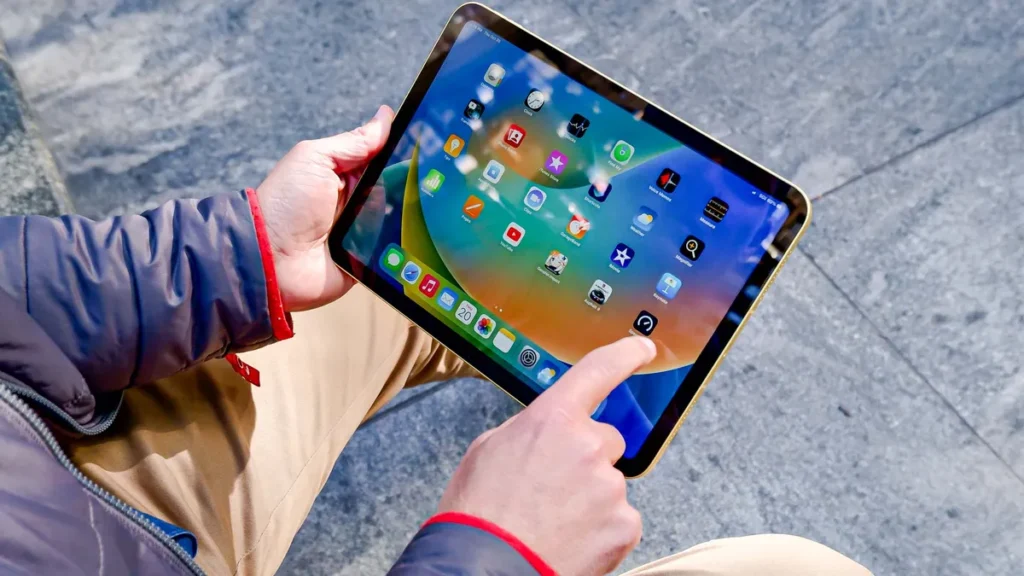

The iPad has evolved from a simple consumption device into the ultimate digital notebook. For university and college students, pairing the right apps with your iPad (especially if you utilize the Apple Pencil) is crucial for managing coursework, taking effective notes, and organizing a chaotic semester schedule.
As the lead tech editor here at 1apple.xyz, we’ve sifted through dozens of contenders to bring you the definitive list of productivity powerhouses designed to streamline your student life. Get ready to upgrade your digital workflow.

Category 1: Essential Note-Taking and Digital Handwriting
For most students, the primary use of the iPad is replacing stacks of binders and notebooks. The best apps offer not just handwriting features, but robust searchability, cloud sync, and organizational tools.
The Titans of Digital Ink: GoodNotes 6 and Notability
You can’t talk about iPad student productivity without addressing the two giants. Both apps are premium experiences, but they cater to slightly different needs:
- GoodNotes 6: Currently the industry leader, GoodNotes offers the most realistic paper simulation, outstanding document management, and powerful AI features like enhanced search and customizable notebooks. If you need hyper-detailed organization and beautiful handwritten notes, this is your go-to. It excels at annotation and quick PDF imports.
- Notability: Notability’s killer feature is its integrated audio recording tied directly to your notes. As you write or type, the app records the lecture simultaneously. Tap a word later, and the app jumps to exactly where the professor was when you wrote it. This is invaluable for review and ensuring you never miss a key detail.
Free Option Highlight: Apple Notes
Don’t overlook the built-in powerhouse. Recent updates to the native Apple Notes app have introduced excellent Quick Note features, improved handwriting recognition (Scribble), and seamless syncing across all your Apple devices. For simple, fast note-taking or collaborative projects, it’s unbeatable.
Category 2: Mastering Organization and Time Management
Productivity isn’t just about taking notes; it’s about knowing when and where your assignments are due. These apps serve as your semester command center.
Notion: The Flexible Digital Binder
Notion is more than a note-taker; it’s a customizable workspace. Students can use it to build intricate databases for tracking assignments, managing reading lists, scheduling study groups, and storing course materials. While it has a slight learning curve, the ability to link notes, create Kanban boards for projects, and integrate syllabus details makes it arguably the most powerful organizational tool available on the iPad.
Agenda: Context-Based Note-Taking
If you prefer linking your notes directly to dates, Agenda is a compelling alternative. It focuses on note relevance, allowing you to attach notes to calendar events or specific dates. This structure is ideal for tracking meeting notes, class lectures that evolve over time, or project phases.
The Simple Solution: Todoist
When complicated databases are overkill, turn to Todoist. Its power lies in its natural language input (e.g., “Physics reading due Friday 5 pm”) and robust filtering features. Managing multiple deadlines across various modules becomes simple, allowing you to filter tasks by course, priority, or due date.
Category 3: Research and Document Annotation Workflow
Students often have to wrestle with lengthy research papers, digitized textbooks, and complex PDFs. These apps turn annotation into a productive research activity.
LiquidText: Connecting the Dots
LiquidText is an essential tool for high-level academic work. It allows users to import large PDFs or documents and extract key quotes, ideas, and notes onto a “workspace” or “active area.” You can visually link your notes back to the source material, spread out multiple documents, and create mind-maps, transforming passive reading into active synthesis. This app is a game-changer for essay writing and dissertation work.
PDF Expert by Readdle
While GoodNotes and Notability handle basic annotation, PDF Expert offers robust professional-grade PDF editing. Need to fill out administrative forms, compress large files, merge documents, or securely redact information? PDF Expert provides the desktop-class features you need directly on your iPad.
Optimizing Your iPad Student Workflow: Pro Tips
Having the best productivity apps is only half the battle. Implement these tips to maximize your iPad’s potential:
- Master Split View: Use Split View frequently. Keep your PDF textbook (in LiquidText) open on one side and your note-taking app (GoodNotes) open on the other.
- Invest in the Right Gear: While the Apple Pencil is mandatory for serious note-taking, consider a keyboard case (like the Magic Keyboard or Logitech Folio) for lengthy paper writing sessions.
- Utilize Shortcuts: Learn to use the iPad’s Shortcuts app to automate repetitive tasks, like automatically opening your three core study apps in a specific layout.
- Cloud Sync is Key: Ensure all your critical study apps are syncing to iCloud or Dropbox. If your iPad fails or is lost, your entire semester’s worth of notes must be instantly recoverable.
- Set Up Focus Modes: Use iPadOS Focus Modes to silence notifications from social media apps while your study apps are open, ensuring distraction-free deep work.
Final Thoughts
The iPad is arguably the single best computing tool available for modern students. By integrating specialized apps like GoodNotes for digital ink, Notion for organization, and LiquidText for research synthesis, you can create an efficient, paperless, and highly productive academic environment.
Choose the apps that best fit your personal study style—whether you thrive on audio recordings or need visual linking—and you’ll find that managing your course load is faster and less stressful than ever before.